

 Maintenance Connection Everywhere (MCe) · EAM/CMMS manuals
Source for some of this:
https://www.troyhunt.com/ive-just-launched-pwned-passwords-version-2/
Working with 500,000,000 passwords (501,636,842 as of 2018.02.22) that have been 'Pwned" – passwords that are known by 'everyone'. They are passwords that in most cases should never be used by YOU.
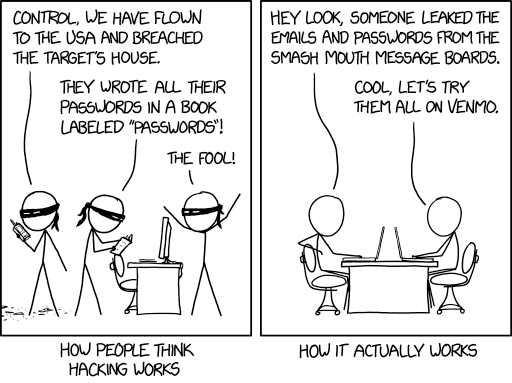
Used with Permission: https://imgs.xkcd.com/comics/how_hacking_works.png
With half a billion, people have argued that there is 'junk' that shouldn't be in the list. But it turns out – this is a red herring, it really doesn't make a significant difference the few that shouldn't be in 'your list'.
Nearly 2 million are passwords that have been made visible 100 or more times. The problem is automated software can try a half billion passwords in a fraction of a second if they gain access to the password hash table.
The biggest risk is if you use the same password in MC that you use somewhere else, once your password is cracked 'once' on one system, it is very easy even for a human to quickly check whether you have used the password on another site they want to break into, even easier for a computer.
The second biggest risk is if you use a password that ANYONE has used elsewhere, a computer can often check easily on other sites you use, crack your password there, find whether you used any of the half billion, that's only 500 million, passwords, then come to a secure system like the LoginHub and just see – did you use the same password in the MC system. Remember, to a computer that can do trillions of things per second, a billion is a tiny number. As of this writing, 2022, there is one that can do 200,000 trillion complex calculations per second. To it, even a trillion is just a rounding error on 0 seconds.
Passwords 6 chars and less are less than 1%
Passwords 7 & 8 chars less are less than 15%
Total junk passwords (things like HTML strings so probably not actual passwords) were less than 0.69% of the half billion.
As the owner of this list says:
This list is not perfect - it's not _ meant _ to be perfect - and there will be some junk due to input data quality and some missing passwords because they weren't in the source data sets. It's simply meant to be a list of strings that pose an elevated risk if used for passwords and for that purpose, it's enormously effective.
So what should you do?
You should go to https://haveibeenpwned.com/ to see if your email address has been, knowingly, compromised.
You should go to https://passwordsecurity.info/ and check whether your password has ever knowingly been compromised.
You should make sure you are not using any critical passwords on more than one system. Remember: If even ONE of the sites has its passwords hacked, you should assume that everywhere you use that password it will soon be hacked.
You should make sure all your important passwords, like those for MC, any financial sites you go to – anywhere you would lose money if someone hacked in, and anywhere your personal data would be compromised (facebook, twitter for example) are :
- Unique. Don't use the same password in an important area if you use it anywhere else, important or not.
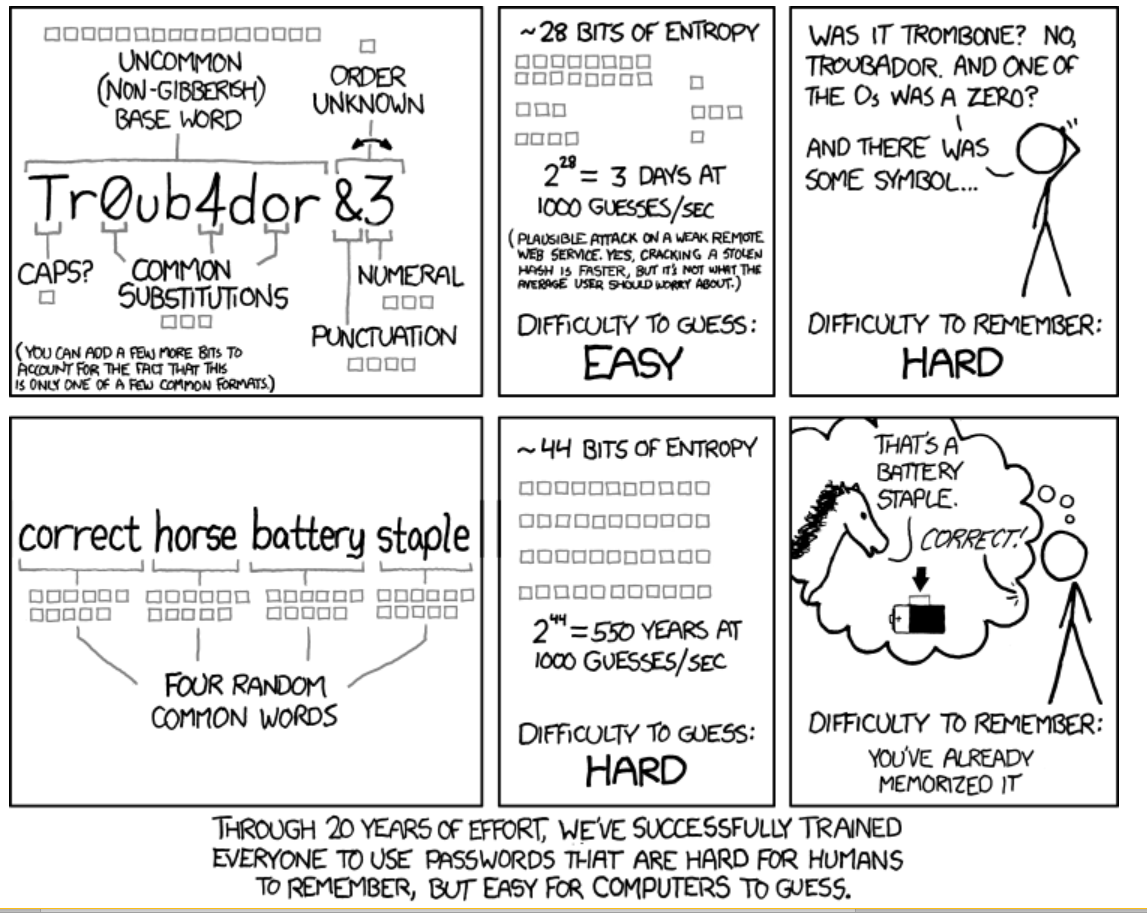
- At least 12 characters long. Use passphrases instead of passwords. It is easy for you to remember myhairisredandgrey or where allowed "my hair is red and grey" but very difficult for someone to hack as long as you only use it on one site (see a) Unique)
Is it ever ok to reuse the same password?
Some people will say I'm wrong, but I say YES! First of all, the average person (according to one study in 2016) has 27 separate logins. Personally, the author of this document has more than 300. Trying to remember 300 passwords or even 27 is impossible for most of us.
Now, I personally keep most of my infrequently used passwords in a location that requires ONE long passphrase to get into that location. I have also recorded that one passphrase in my safety deposit box so that if I ever get hit on the head, I won't lose access to it (well, at least not when I next go to my safety deposit box and realize I had stored it there!)
But there are probably 100 sites that forced me to give them a login before I could view their content. I consider them all ZERO risk, just a minor inconvenience if someone breaks into them. Someone could ask technical support questions on my behalf. Someone could read technical documents. But no risk to me whatsoever, so for all of those sites I use the same password. Let's say I use "Abcd1234!" – a password that is reported as 'very secure' by 99% of government web sites 😊, so I can use it anywhere. And that allows me easily to access all these sites I really don't care if someone hacks my account on. That means I have 99 fewer passwords to remember, and I can get into all of them without having to remember different passwords.
But then, I have servers I manage and my financial records.
For those I used to use passwords like "ANeCOU8E#EOnecukhOP*<>NT#(*JnhgOEue)*3Enthd@ontdaoeu8o" which I make no attempt to memorize – I copy paste. I have in the past used a tool to randomly generate my 'new' passwords. But most of the time I don't. Now I use passwords like this:
"!@#$%This is my really hard to memorize password that I am using on the west banking site 878"
It has several advantages:
- It meets all the arbitrary and totally useless rules any site will force on me (the rules that cause normal users to put the password on a yellow postit note)
- It has symbols
- It has numbers
- It has upper case characters
- It has lower case characters
- It is long enough to meet any minimum length rules
- It has nothing from my account or name or address
- Some sites have restrictions I have to work around
- some sites force me to use shorter passwords
- some sites don't allow some of the characters – spaces for example
- If I DO have to copy it, or give it to someone over the phone, it is easy to do – notice that the 5 symbols are easy to type on the keyboard and the 3 numbers at the end are easy to type.
- And despite it being easy to read and type:
- It is extremely difficult to crack, more difficult than the one above – simply because it is longer. I NEVER tell people any REAL passwords – I make new ones up for every important password, and I did not give any real passwords in this document, they are just conceptual ones to give you the idea.
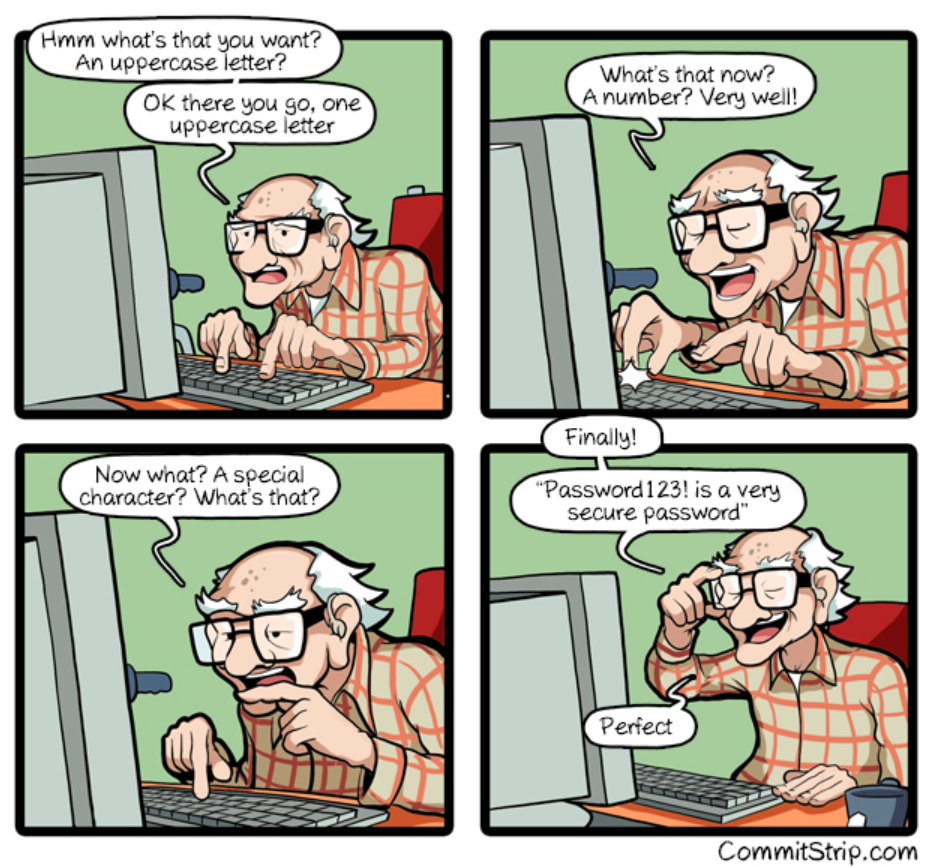
Used with permission http://www.commitstrip.com/en/2018/04/27/security-security-security/ Inspired by: https://twitter.com/AaronToponce/status/988761412464857088
The only problem I have with this cartoon is it is the gentleman himself might be declaring it as 'very secure', whereas my experience is that the software itself is the one that declares it as very secure (maybe he is reading it off the screen).
One time on the phone with an agent of President's choice banking, the prompt said I needed the standard 4 requirements, I told her "Oh, that is hard, I usually use 50 character pass phrases, but your software is saying my 50 character password is insecure and it won't let me use it so ...OK… I'll follow your rules" then I told her as I typed in "Password1!', she said: "Oh, that is not a safe password". I read the screen to her saying "Actually it is – your software tells me it is very secure and gives me the highest rating so I'll use it, besides, it's way easier than the 50 character passwords I normally use for banking but your system just rejected as very insecure" (because I only followed 2 of the 4 rules), she said something else about Password1! not being secure, I said "But your computer says it is very secure so if my account gets broken into, it will be your responsibility so I'm not worried" I then continued on to my next question while ignoring her muttered exasperation. Meanwhile, I changed the password to a truly secure one. A week later, their system, when I tried again to show a friend, rejected "Password1!" as a well-known password – I guess she passed my comments on to the right people in the company.
Used with permission from xkcd.com