

 Maintenance Connection Everywhere (MCe) · EAM/CMMS manuals
When you load MC, it first tries to partially load, and then because it is designed only for online, it displays a screen that is greyed out first.
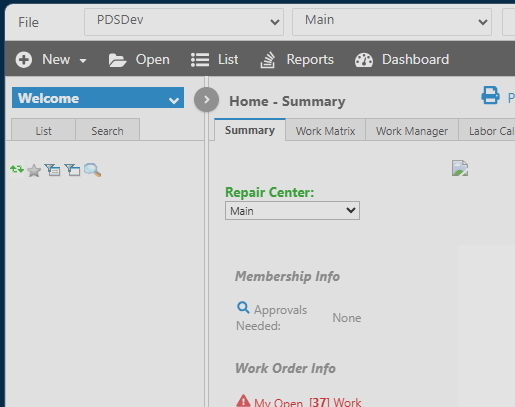
Then it tries to grab everything else it needs.
After awhile though, you may be thinking - this is taking longer than it ever does.
You could check the developer console if you want (instructions below), but if it takes more than about 30 seconds, you should probably give up and press the refresh button. What likely happened is an 'internet glitch' - and yes these happen all the time (literally) on an intranet as well, and it gave up because it didn't get enough of what it needs to proceed, so it leaves the screen greyed out.
If you got load errors, other than the developer console there is no way to know - but you can sit literally forever and it will never load once it runs into a problem. If it takes more than 50% longer than normal I would just hit the browser refresh page button and try again.
What about this 'developer console' thing?
The developer console shows you 'more' information such as in this case where I waited several minutes and nothing happened (I typically multi-task so I can work on other things while waiting for things to load)
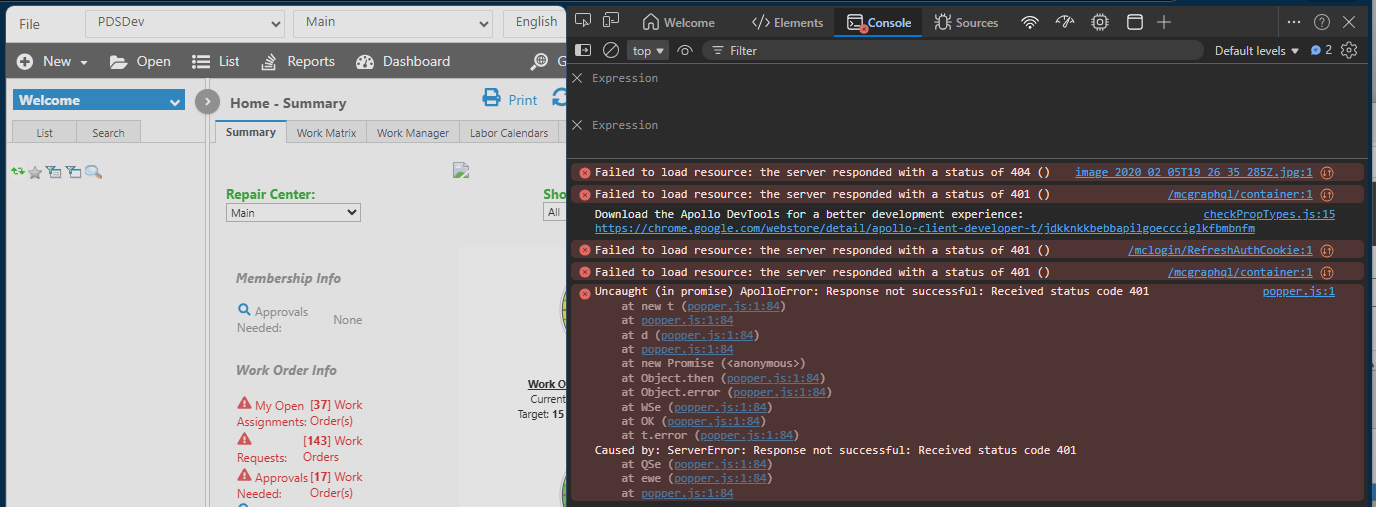
All of those 404 and 401 errors are things not loading. Nothing really you can do, just refresh the page and let it try to load again. If it's a new install or upgrade, it may be that parts of the system failed to be installed.