

 Maintenance Connection Everywhere (MCe) · EAM/CMMS manuals
Changing contact info on select company login
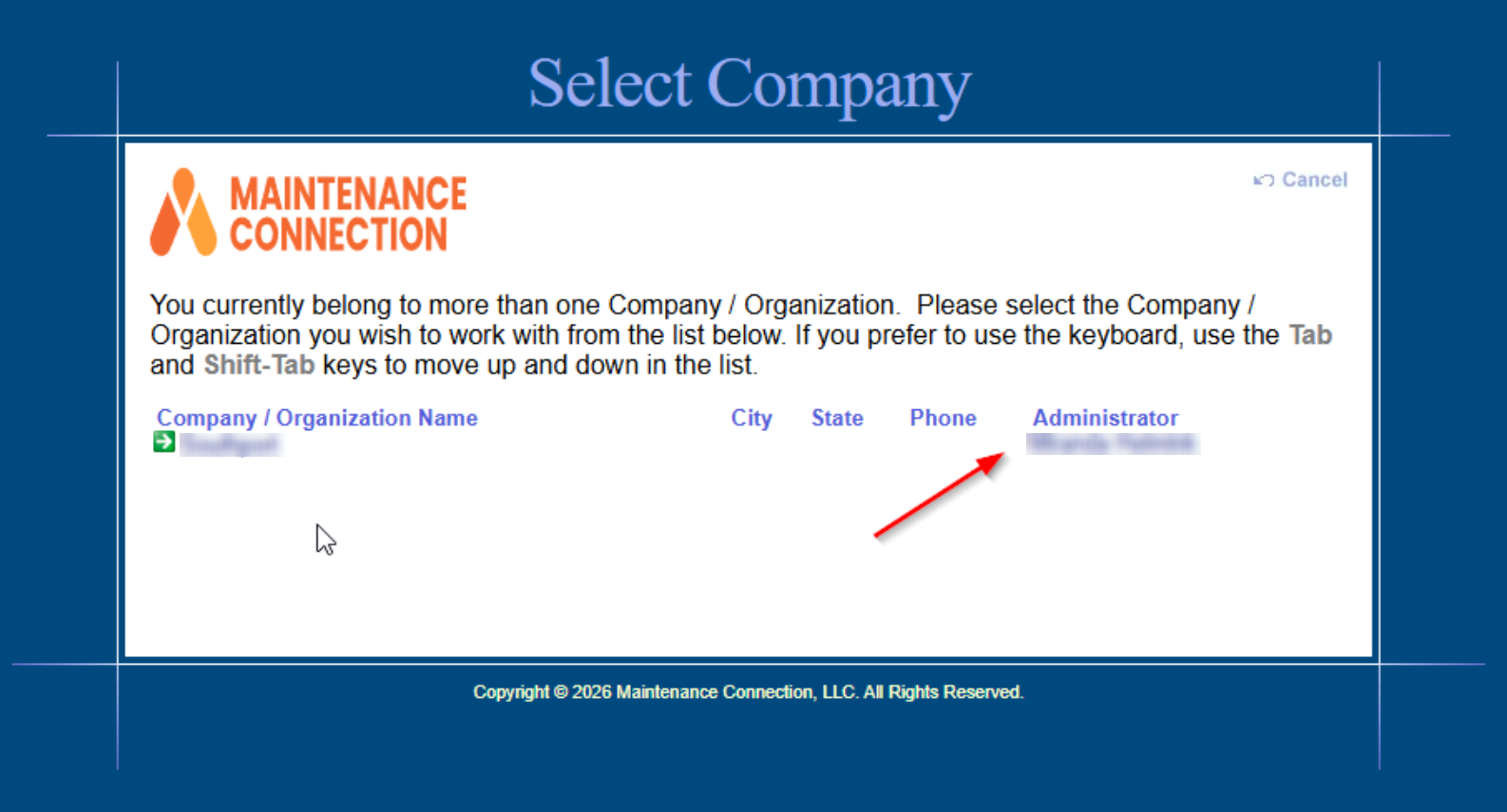
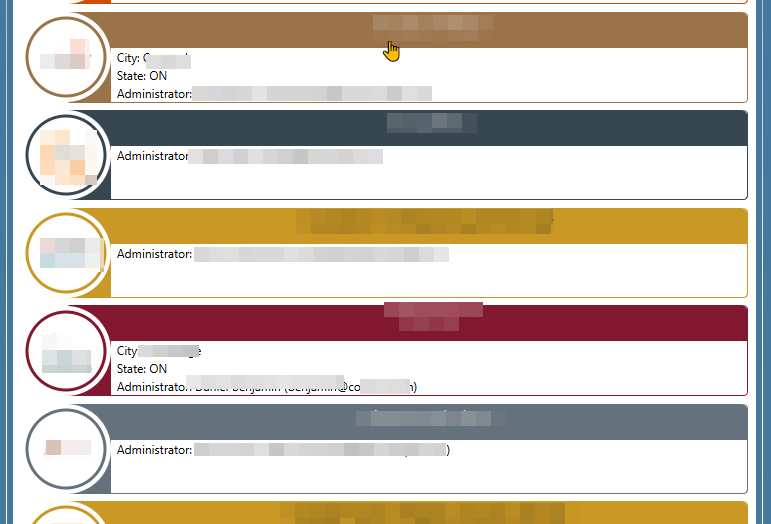
In the login process you may see a company with information such as the Administrator or contact email address.
The experience you want to change:
MC standard login
Or from LoginHub login
How to change
For MCC SaaS customers
Send an email to support@MaintenanceConnection.ca to get this updated. Give a screen shot of the wrong, and then give us the correct details.
For on-prem customers
We don't have access to your server so:
Your IT people first needs to run IIS, look for mc_web and explore, it will then point to the folder where all the files of mc_web are located.
After that, they need to click 1 folder up to find the McConfig.exe where your IT person can then edit the information you need to update.