

 Maintenance Connection Everywhere (MCe) · EAM/CMMS manuals
The #1 support request we get is 'I changed my password, now I can't log in'.
Passwords, are in MC 'Case Sensitive'. 90% of the time, this is the problem
When we have done deep dives (using our Professional services) - the most common issues have been proven that case sensitive is the most common problem (Caps lock was on when they entered the new password, Caps lock is one when logging in, Shift key was hit without thinking either on initial entry or on login.)
- So they entered their password as
- 'EXAMPLE' and they are attempting now 'Example'. (They had aps lock on)
- 'eXAMPLE and they are attempting now 'Example' (their caps lock was on when entering the password and tried to upper case the 1st letter, but shift when caps lock on means 'lower case', but not when logging in.)
- 'Example and they are attempting now 'example' (They thought they entered all lower case)
- 'EXample' and they are attempting now 'Example' (Not releasing the shift key as fast as they meant to, not usually a problem when logging in because you might do it once or twice but not several times.)
It is obviously time consuming to figure it out, and frustrating because you don't know which mistake you made and indeed WHETHER you made ANY of them. And of course, users always say that this wasn't the case, until we go in with Professional Services and prove what they entered.
MC Bug, max 20 characters, 2nd most common.
MC will let you, in at least one place ENTER more than 20, and here's the big problem (The bug in MC for many years, ever since they started using encrypted passwords) - They encrypted your password based on the more than 20 characters you entered, but on login, they limit you to 20 characters so 'of course' the password you typed in at login doesn't encrypt to the same as the one you entered.
Don't use UNICODE
If you use characters that are not the standard English characters, this can cause it to have problems. Not many - but some and we don't track all the possible ones that don't work, we recommend you stick to the standard English alphabet, numbers and symbols, or worded different - do not use any UNICODE characters.
How to fix:
- When any of these happen and you can't resolve it, the obvious solution is to have one of your administrators fix it for you.
- The more expensive way is to use our Professional Services - we'll need access to your server - to help you recover.
- Accruent MC has a 'forgot password' so if you don't use MCe/MCe LoginHub:
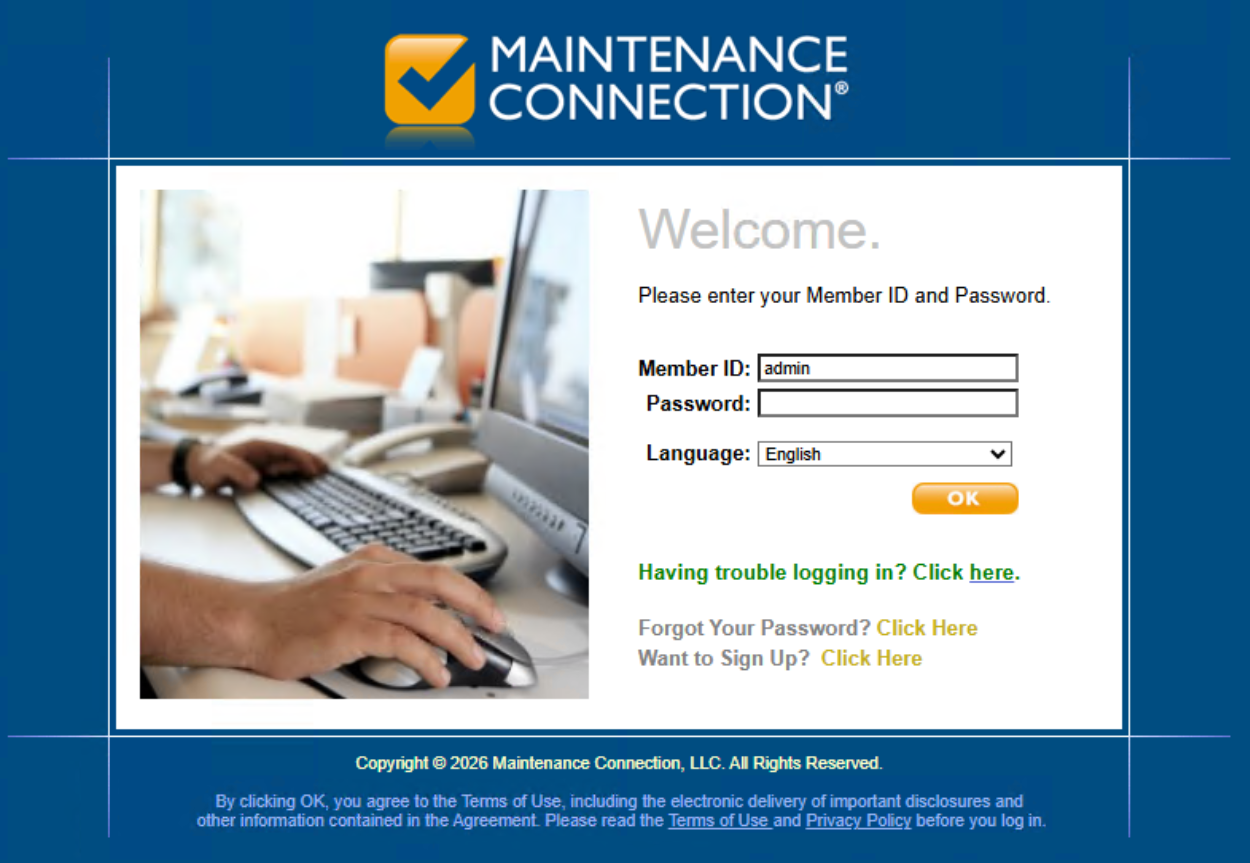
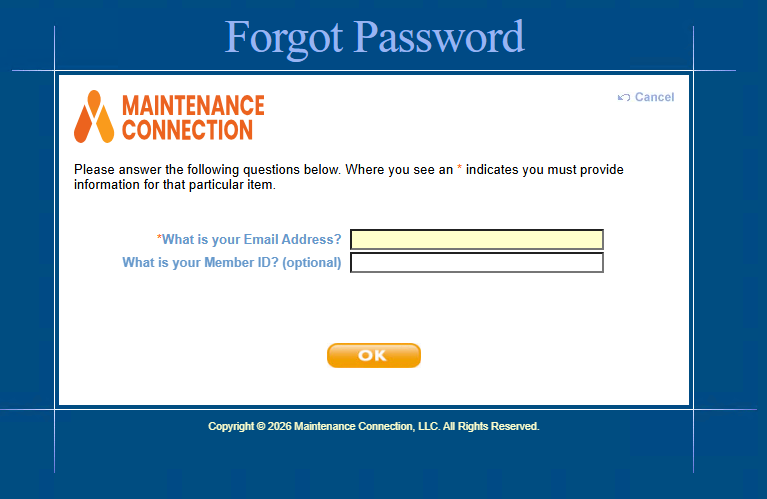
If you get the following, you aren't set up correctly and won't be able to use the Forgot Password feature
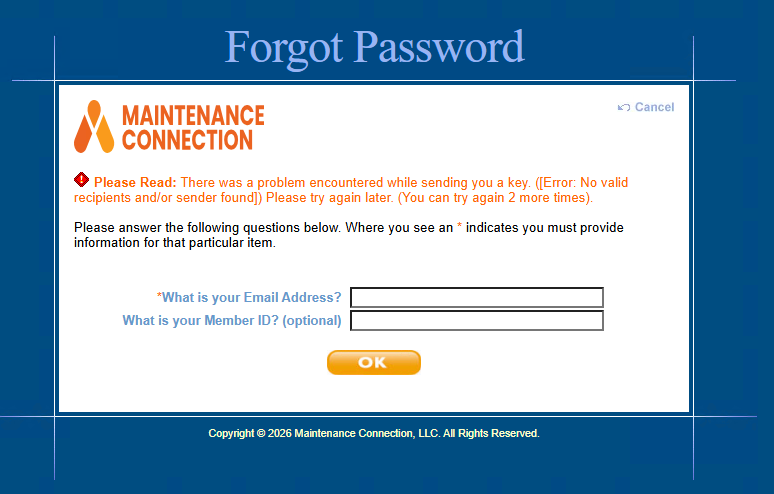
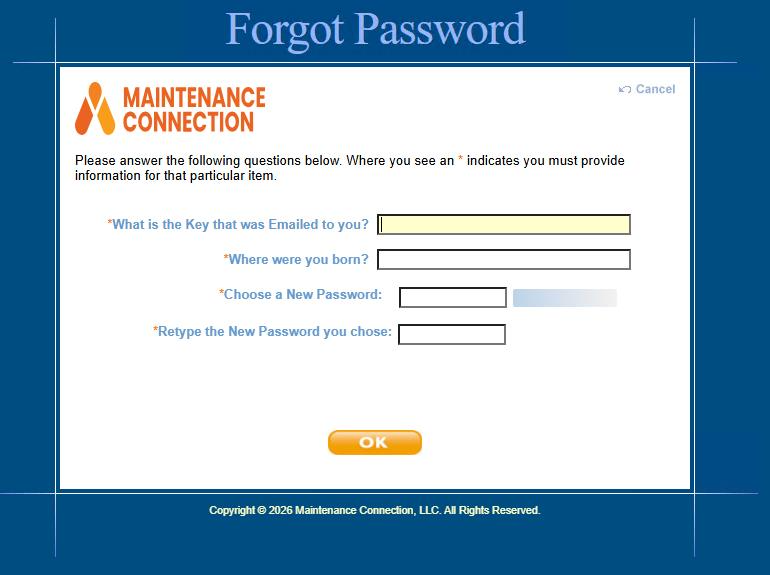
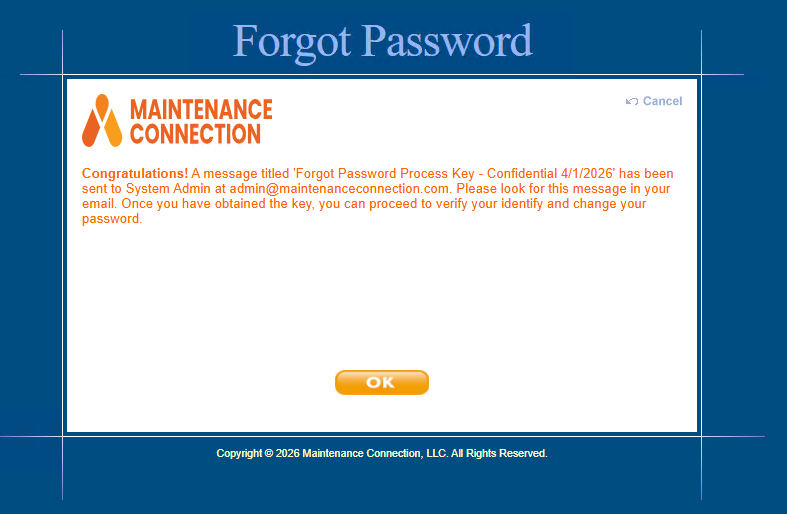
- MCe LoginHub has a 'forgot password' so you if you use LoginHub you can use that to recover your password
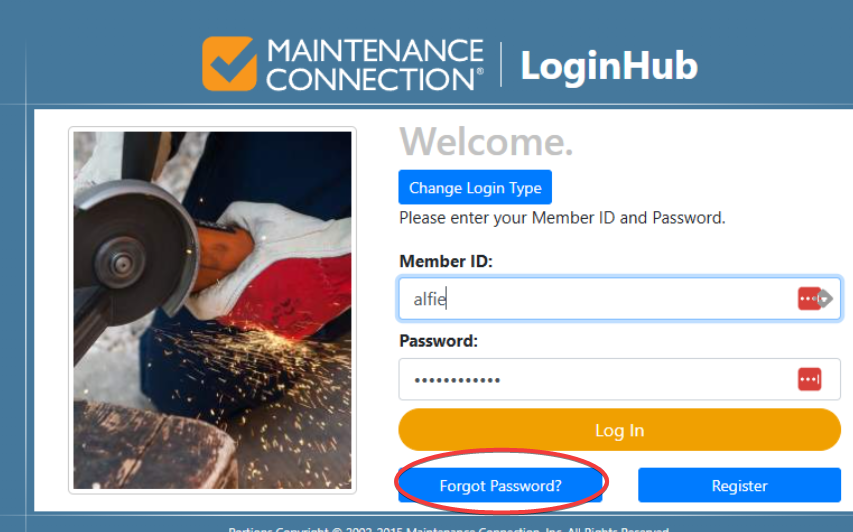
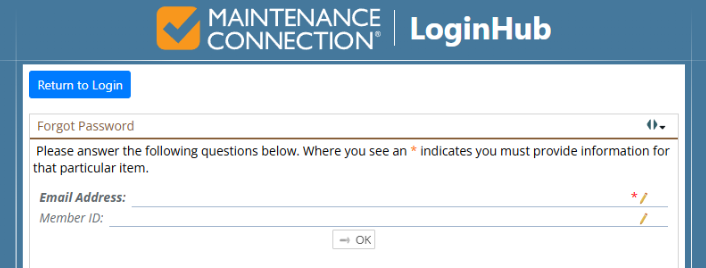
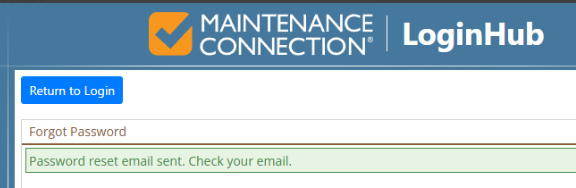
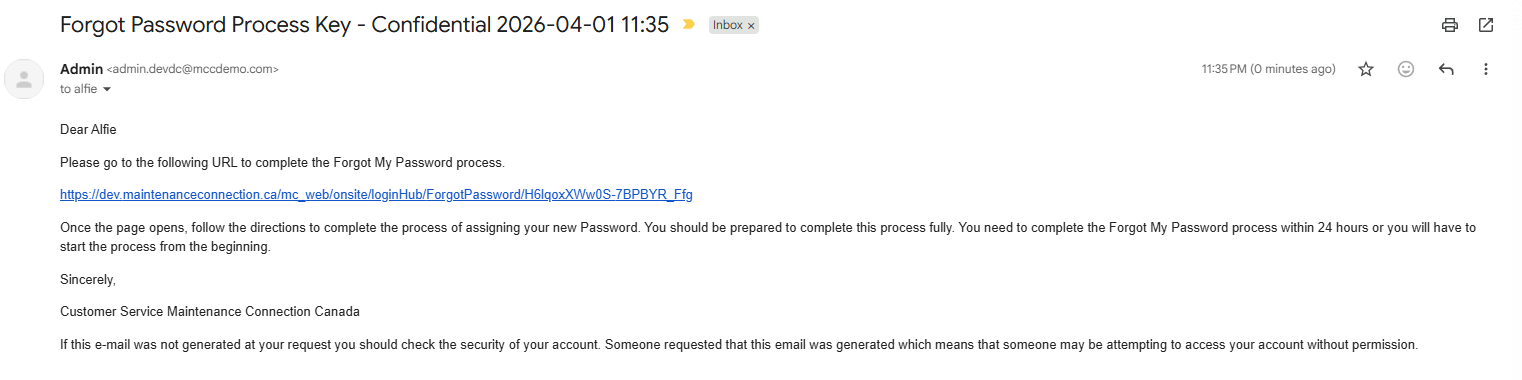
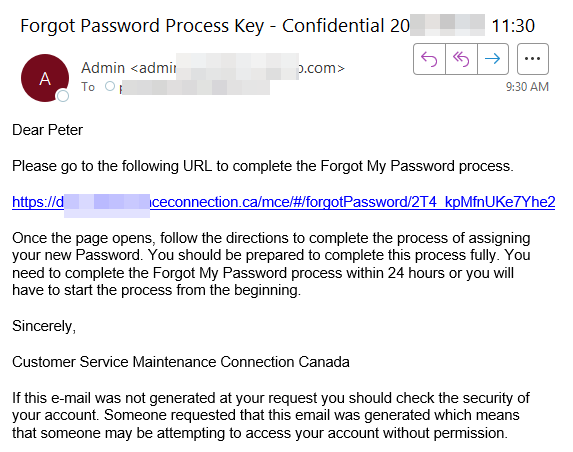
Which will take you to something like this default email (with fake email address) sent with 24 hour link to reset password.
You might also see THIS screen with challenge questions:
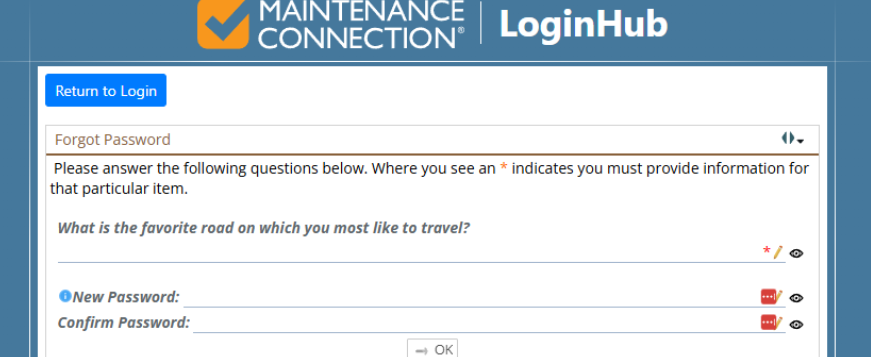
One problem some people encounter is that an Administrator put in your challenge question/answer and so you don't know the answer. If that is the case, you won't be able to use Forgot Password to recover your password.
- MCe without LoginHub has a 'forgot password', so if you use MCe without LoginHub you can use that to recover your password.
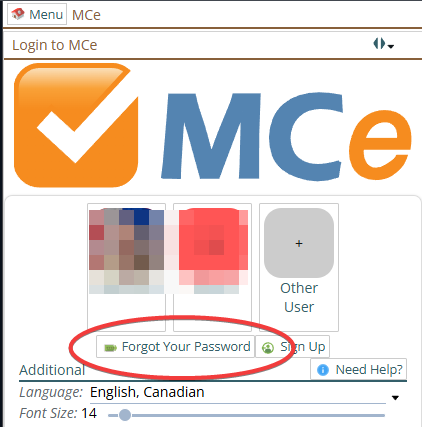
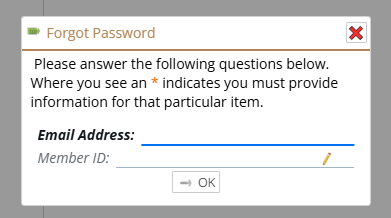
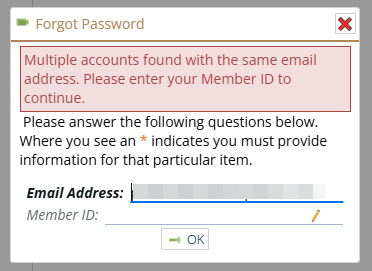
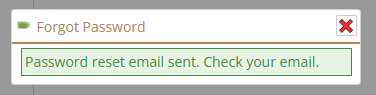
If you have more than one account with the same email address, you'll need to enter the Member ID, if you don't you'll be prompted as below.
Clicking on the email link takes you to:
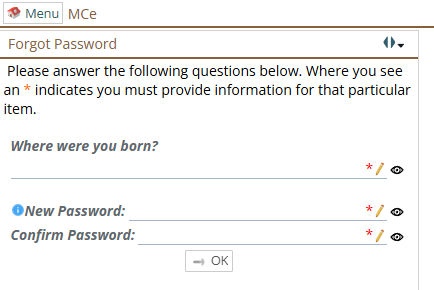
If you don't know the answer to the challenge question (a common problem is administrators put it in for you - so you may have to ask them), then you will not be able to use the forgot password solution.
Note that the time on the email header 11:30 doesn't match the time that Outlook shows me 9:30. This is because I am 2 hours West of the server. The header has the server time.