

 Maintenance Connection Everywhere (MCe) · EAM/CMMS manuals
Update User Profile
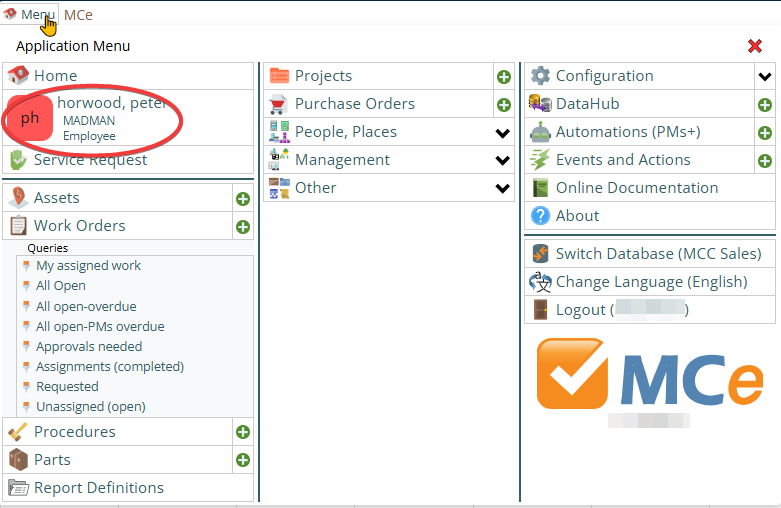
User profile can be loaded from left menu, 'user name' before the Home menu option, as shown in below picture:
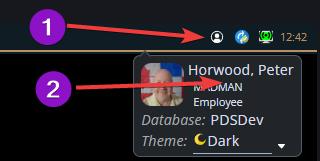
Or, click on the User button (1) in the upper right part of your screen, then the user section (2)
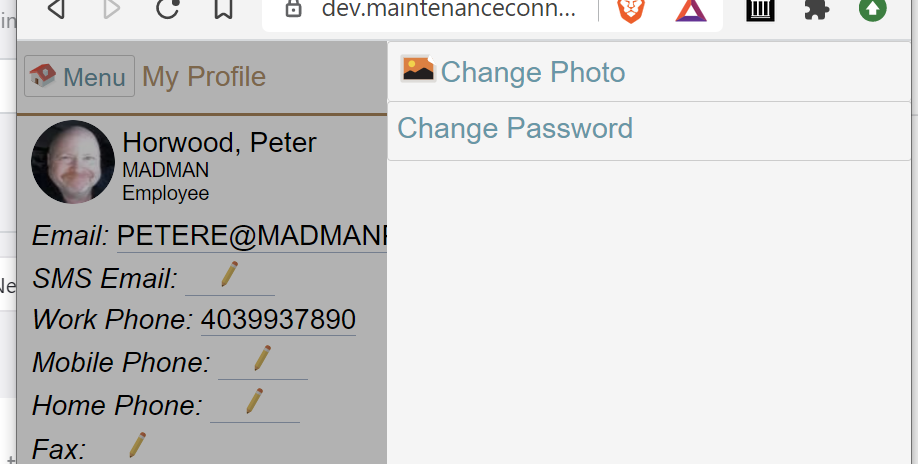
When you click this option, regardless of which way, it will bring screen to update user profile.
Modules you have access to
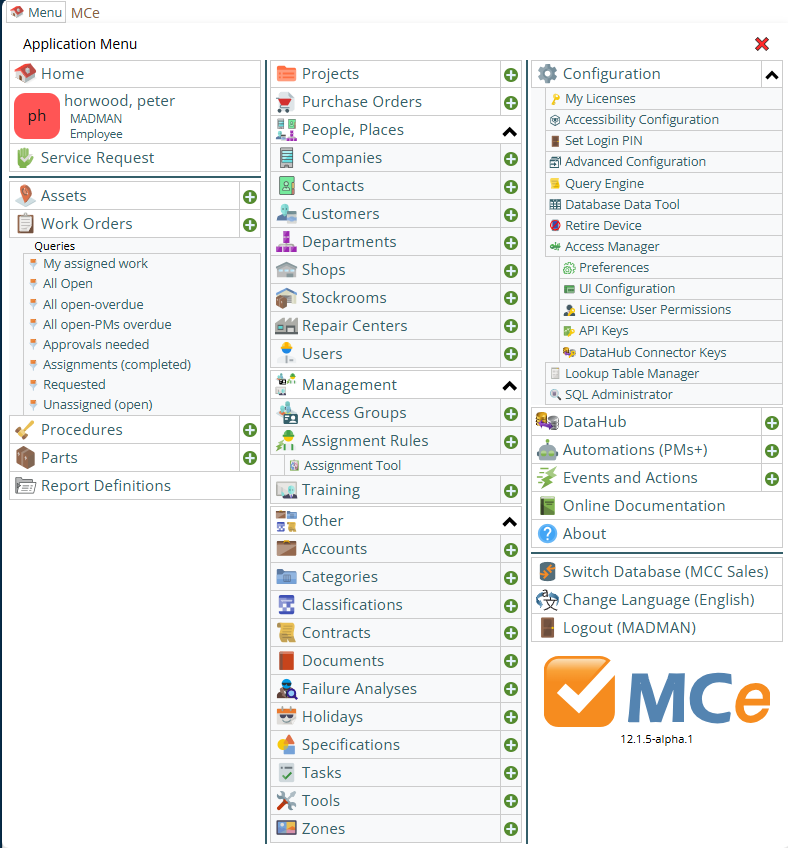
The modules your company has purchased and given you access show up on the main menu as well (This is not a complete list, but it shows most of the technician and administrator options)
Helpful tools
Sync Messages
As MCe an offline application, changes happen in the background, not always the instant you make them, we wait a couple seconds, and you may not have a WiFi/Cell signal at that instant. But don't worry, your changes are stored locally until a connection is available (unless you do a clear data/wipe cache - so don't do that, only poorly written apps need that 'fix' very often).

When errors occur, the Sync button will get a ! inset icon in it, as in the image above, letting you know there is something you need to deal with. The other buttons are common ones you will see, but they may not all be there all the time and others may also show up depending on circumstances.
Configuration
There are several things in here you should check out.
If you have 'big fingers' and or your eyes are not as good as they once were, or if you have really good eyesight and want to fit more on the screen … you find some tools that let you change the size of everything on the screen to make it easier for you.
Online Documentation
This is the same documentation that you can find from the main page. You should really check out the "getting started" section first.
About
The About link contains useful info for support and legal information and acknowledgements.
For legal reasons, some of the 'legal' information is never translated and only available in English.