Maintenance Connection Everywhere (MCe) · EAM/CMMS manuals
Accruent MC
Popup - how to get out
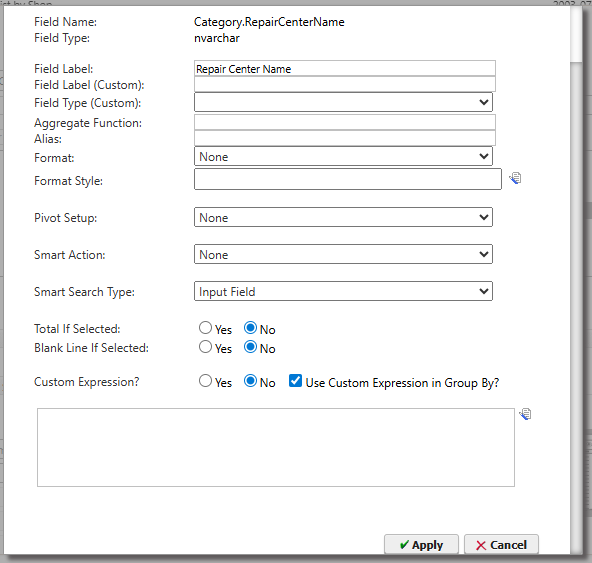
There are lots of popups in MC that have more fields to fill in than they used to, or more than fit in the standard popup, possibly due to upgrades in the Accruent MC that need more space than in a previous version of the popup-the popup is still sized to the old version, or it could be because your screen is too small and there isn't room. The result is the buttons like save/cancel are not visible. Here's one example.
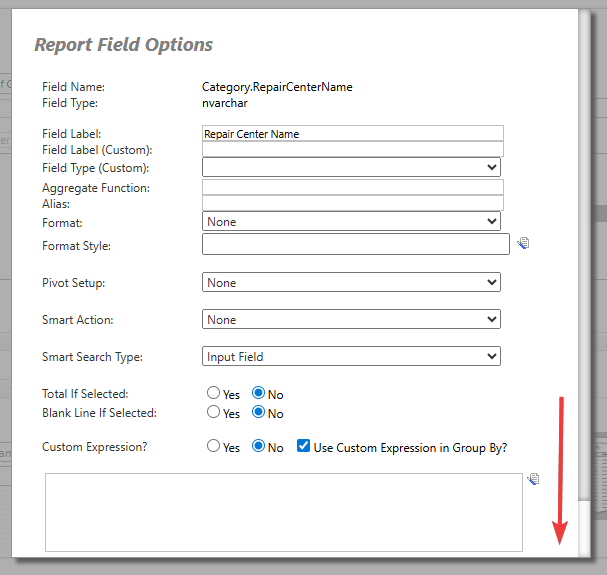
But all you have to do is scroll down a bit to find them usually.