

 Maintenance Connection Everywhere (MCe) · EAM/CMMS manuals
This may also present itself with a message such as "An error occurred on the server when processing the URL. Please contact the system administrator." and "If you are the system administrator please click here to find out more about this error" (And if you click on the here you will with modern browsers likely get a SecurityError: Failed to read a named property...Blocked a frame with origin...from accessing a cross-/origin frame." All of this is repeated here in part to make searching for this doc easier.
Check under the Accruent MC section of our documentation for other specific causes of 500 errors.
If when you try to save an image or file you get a 500 internal server error
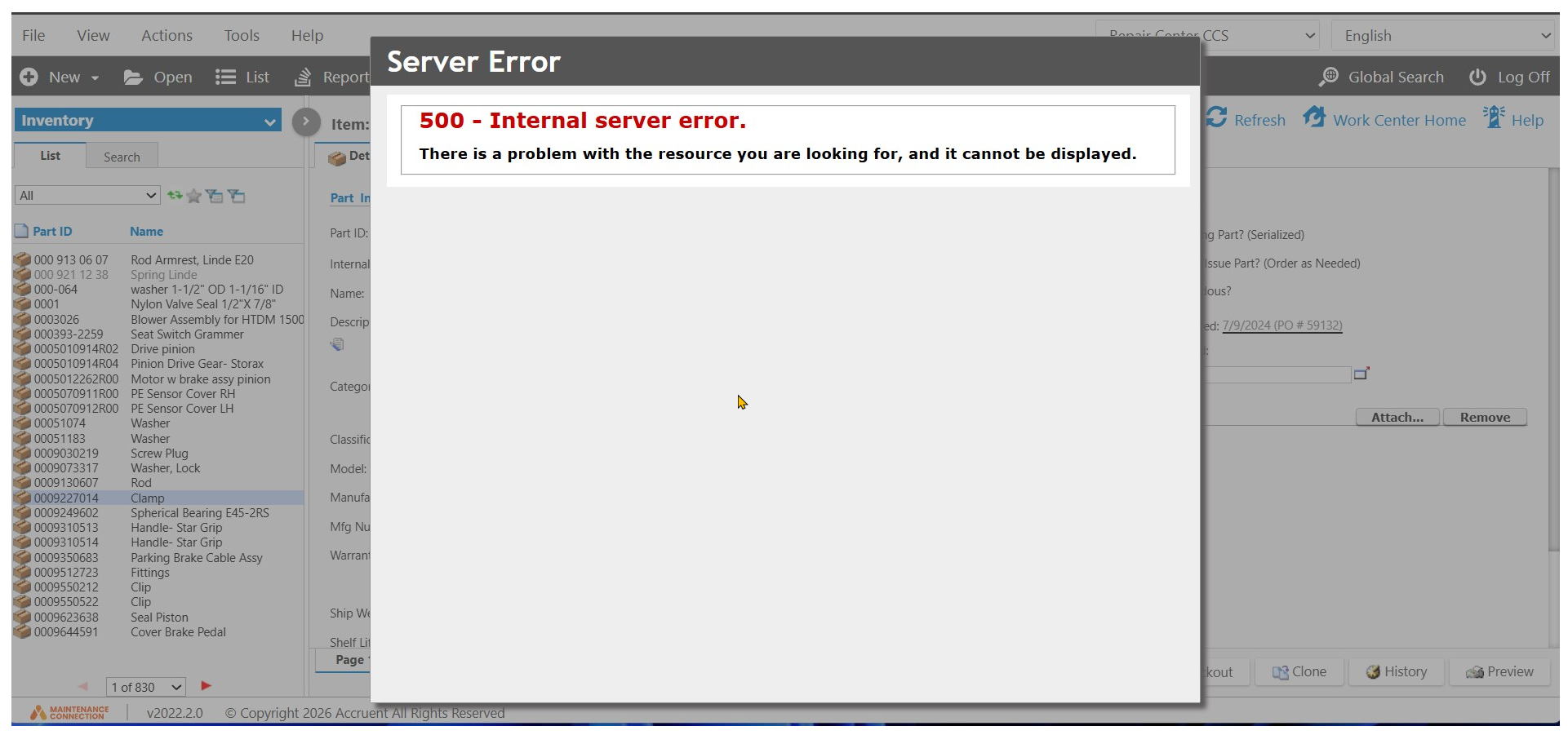
This should only occur on a system that you manage.
If this happens and you are on our SaaS, please contact support@MaintenanceConnection.ca, include a screen shot and tell us what you were doing and the exact time along with your timezone. If you don't know the time - just try it again.
You are a SaaS customer if you access MC through a URL like one of these (where * means "any value") https://*.mycmms.ca or https://*.mcc-on.ca or https://*.maintenanceconnection.ca . Most other URLs means that your IT department or someone in your company controls the server(s) that your MC/MCe system is sitting on.
If you (your company) manages your server, you need to talk to your IT department and have them fix it.
The most likely case is that the MC user account that is setup for file writing doesn't have enough write permissions. Exactly where depends on what they did. But most likely it needs to be at the root of where you have set IIS to save files, the mc_imageserver directories.
It may be possible to get more details from the IIS or Windows error logs. Note the exact time you had it happen (or try again so you know the exact time) and let your IT department know.