Maintenance Connection Everywhere (MCe) · EAM/CMMS manuals
TL;DR
In the Work Order module you have the ability to work in what is called the Technician mode or view or the Administrator mode or view.
Details
Technician mode overview
The Technician mode is optimized for doing the work of a work order, for performing work orders.
For example, if the work order has hierarchical tasks, the work order will automatically take you to the first task that has not yet been marked finished (compete, fail or N/A).
This would normally be inconvenient if you were an administrator, perhaps trying to edit or view a task if every time you changed one of the finished settings on the task it suddenly took you to the end or beginning of the list or to where the technician was working on it.
But as an administrator you may have some work orders that you 'perform' and would want to switch to technician view. For example,
- you might have a 'project' procedure(s) where you have one or more work orders for each project with steps that administrator(s) have to follow that have nothing to do with the work itself.
- You might have a month end procedure as an administrator,
- a year end procedure
- and so on.
- you might do the occasional work order that your technicians would normally do
- In a smaller shop,
- or in an emergency
- or just because you want to keep your skills up-to-date
Most CMMS/EAM licenses have access to the technician mode, this includes the ones designed for technicians such as the WO4[^1] and WO7 licenses, but also the licenses like the Admin1 license.
Administrator mode overview
The Admin mode is optimized for doing the work of an administrator, for creating, editing, finalizing, closing work orders.
Most technicians will not have access to this module, you need a Admin/MRO license such as Admin1.
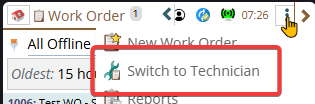
Getting to the Technician mode
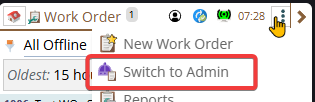
Getting to the Admin mode
Visual clues that you are in Technician mode currently
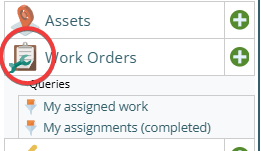
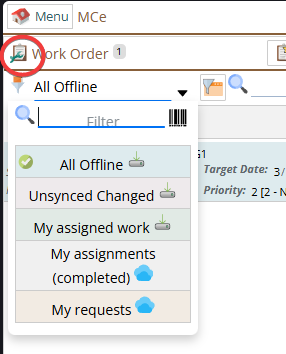
On the menu the icon has an inset green wrench in the bottom left corner.
On the menu by default there are fewer choices for Queries (but you can change that in preferences)
Visual clues that you are in Admin mode currently
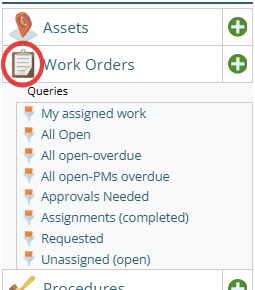
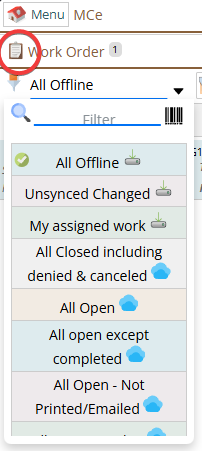
On the menu the icon does not have the green wrench.
On the menu by default there are more choices for Queries (but you can change that in preferences)
Setting up preferences and UI Config
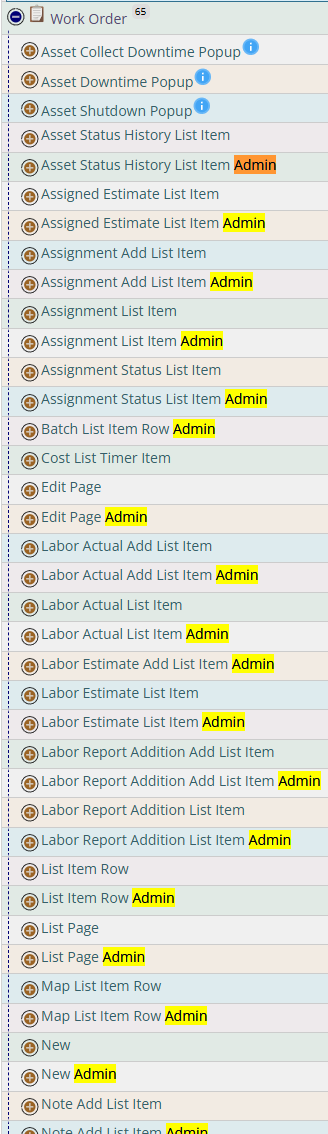
In the preferences some of the preferences are set differently for Admin and Technician, in the middle you see 'General' which are preferences that are the same for Admin mode/module and Technician mode/module
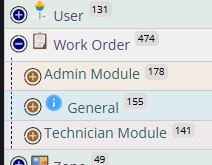
In the UI Config you will find that almost every page and component has it's own UI Configuration. Some differences are there because of restrictions we place on the two modules/modes/views, other differences are ones that you can make.