Maintenance Connection Everywhere (MCe) · EAM/CMMS manuals
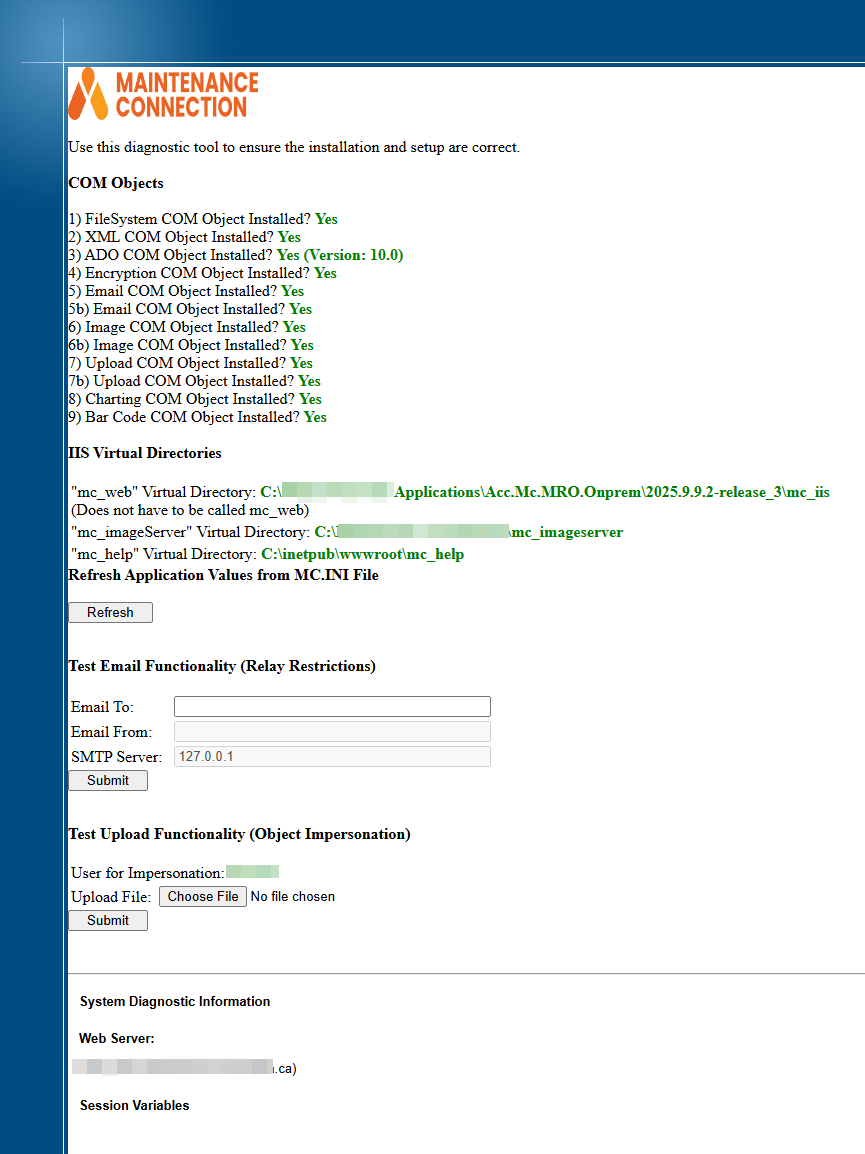
For on-prem customers running your own server, there is a diagnostic page, a system health check, validation, test page you can run to see the status.
You access it as follows. Let's assume that you run mc in the subdomain mc of your company domain of example.com
https://mc.example.com/mc_web/onsite/mc_diag.asp
Note, if you use our setup/upgrade tools, we rename it to mc_diag.asp.disabled as part of the install/upgrade. So you will have to first rename it to mc_diag.asp temporarily to run it, then name it back.
If you use Accruent's upgrade tools instead of ours you must be sure to manually rename this.
Security Warning:
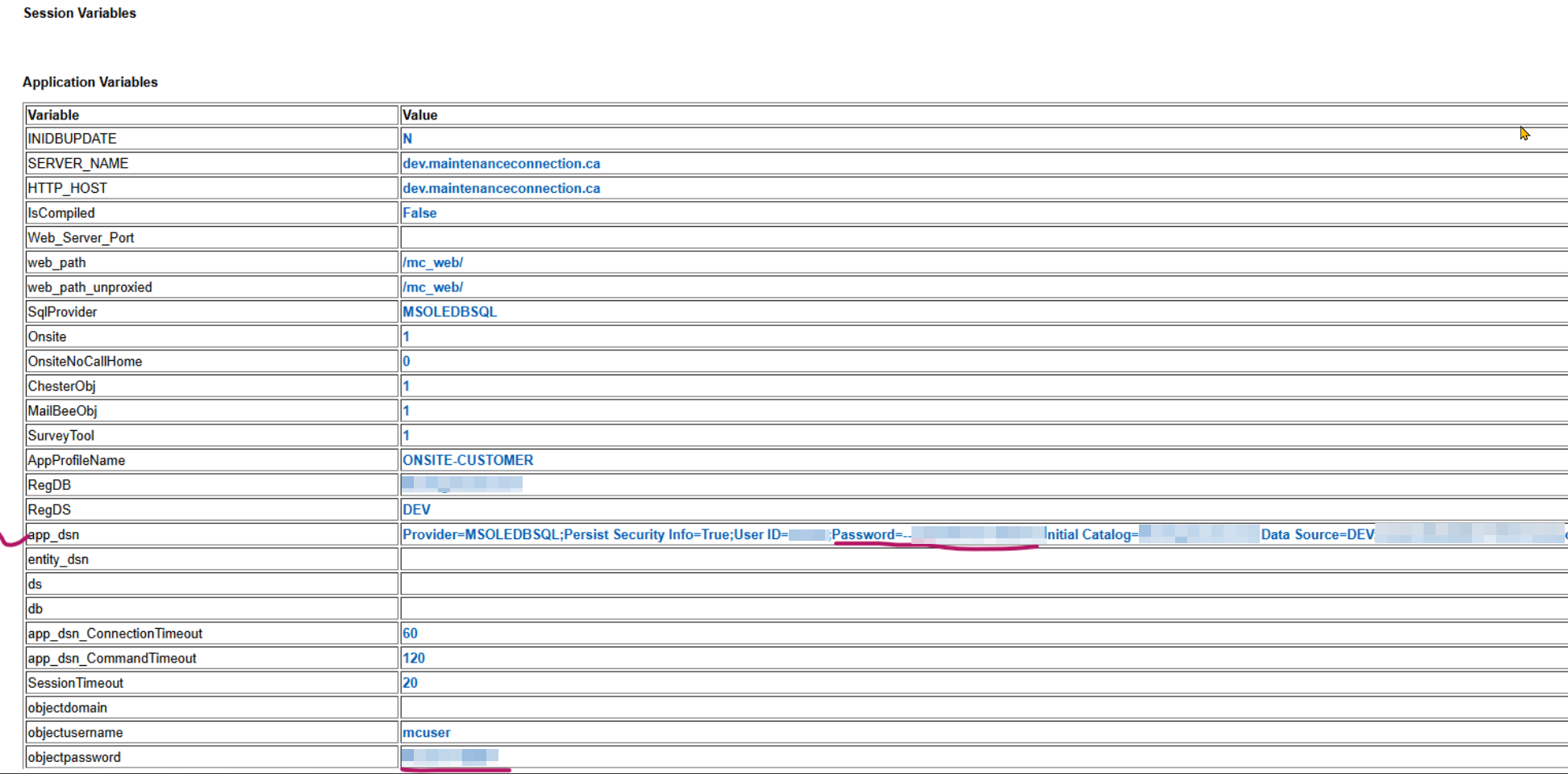
This leaks security information like passwords. It is VERY important that you only temporarily rename it to just mc_diag.asp to run it, then rename it back to mc_diag.asp.disabled
Once you are set up and the diag has run successfully, this file should be renamed mc_diag.asp.disabled or some other extension that makes it unusable.
Sample results below.
Please note: The Test Email Functionality (Relay Restrictions) only tests for basic relay restrictions. If the test email fails, then they will fail in MC. If the test email succeeds, that is good, but you may still have configuration settings that won't let mail go out. So it is a great first test.