Maintenance Connection Everywhere (MCe) · EAM/CMMS manuals
Database Viewer
Viewing/Changes
From the main (left) menu, choose configuration
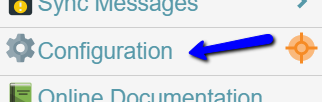
From there, choose the Database Data Tool
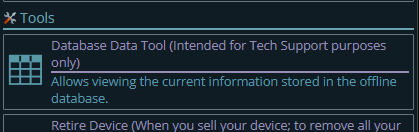
If it's not there, your organization has likely blocked it. If you really need it you may have to ask for it to be turned on temporarily.
This will give you a list of data store aka tables on your local device, select the one you are interested in, click the pencil.
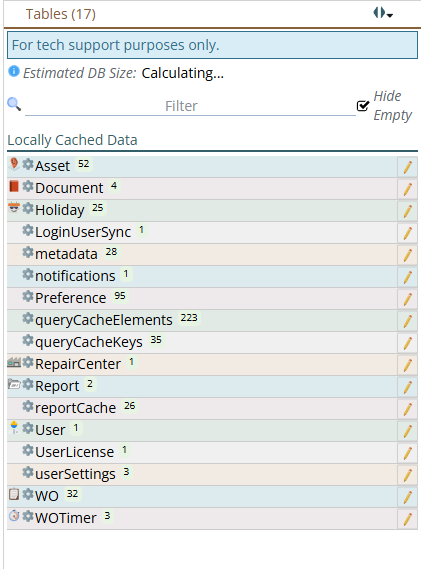
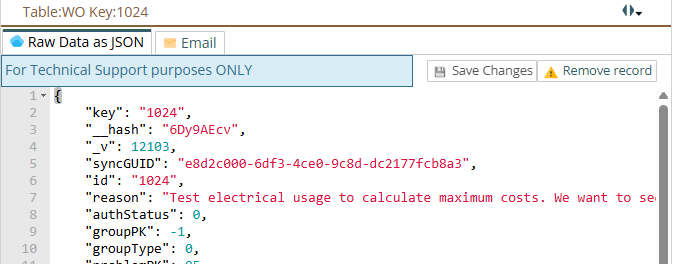
Chose the row (the WO in this case) you want to look at:
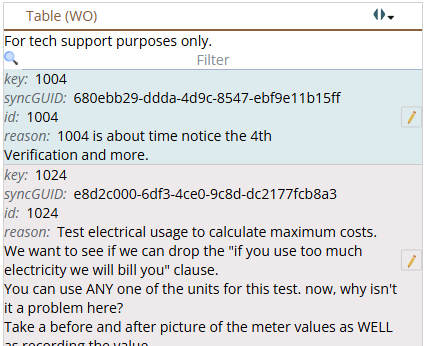
This will show you all the data that is on your device.