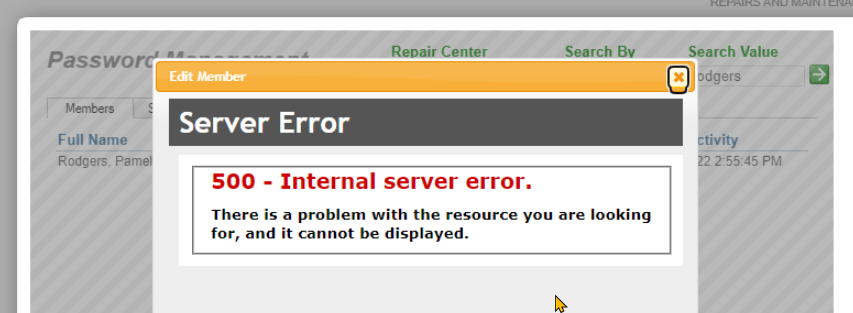

We are not sure when this error started. We expect it was in the MC versions 2022-2025. It is certainly an issue on MC 2025
How to fix the error
Desktop App for MC:
3.1.8:
- Log off (optional, but avoids locking a license for 20 minutes or whatever your system is set to)
- Close the tab
- Create a new tab
3.1.9 (Shipping eta: Early August)
3.1.9: (Shipping eta: early August)
Hit clear cache.

In Browsers
in Browsers
You really shouldn't be using a browser in this day and age for running MC, you should be using the Desktop App for MC which has many benefits, including getting around a major Chromium 'issue' with all versions of MC up to and including the current early preview versions of MC 2026. Desktop App for MC - So much better than in a browser
In a browser to fix this, you will have to clear history. Each browser is a little different, but it will be something like this:
Type ^H (Hold down the CTRL key while typing the H key) to get to the browser 'history'
From there find a trash can or the word 'delete'
Edge browser

Chrome browser

Shift browser:
Follow these detailed steps to clear your history in Shift:
- Click the Gear icon (Quick Settings) in the top-right corner of the Shift window.
- Scroll down and click Advanced Settings > Privacy and Security.
- Click Delete browsing data.
- Choose either the Basic or Advanced tab.
- Select a Time range (e.g., All time).
- Check the boxes for the data you want to remove (Browsing history, Download history, Cookies, etc.).
- Click Delete data.
Vivaldi browser:

Brave browser:

How to avoid the error:
Don't pick the complex (compound) options. If you find other combinations that crash that don't include the compound ones listed below let us know so we can test and add it to this documentation to help your other colleagues and users.