

 Maintenance Connection Everywhere (MCe) · EAM/CMMS manuals
This cannot be changed using UIConfig because it is a 'complex' task with multiple objects
- The checkbox that let's them set them all complete or not
- A banner that replaces the checkbox when all tasks are already complete.
- Neither show up if you have zero tasks, because it is irrelevant in that case.
So instead it is a Preference that does everything you want for it.
Like all Preferences, first decide whether you want this change an a Company/Org level, Access group, Repair center or individual, then:
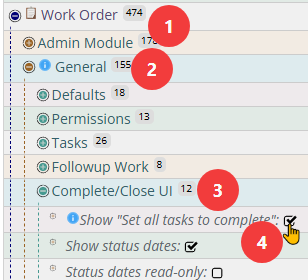
or you can search for it:
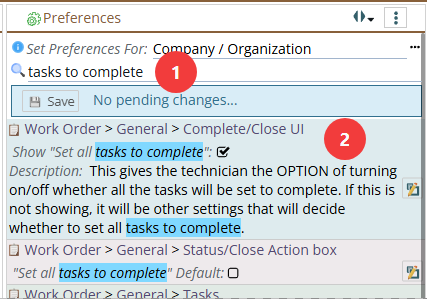
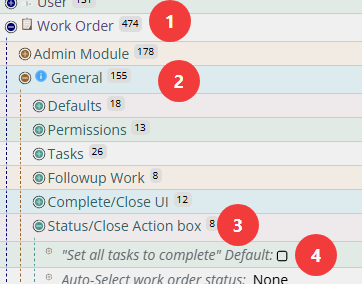
Note that the option to BY DEFAULT set all to complete or not is a separate option, as shown in the search above or the image directly below. This other choice will not hide the checkbox, just decide whether it is checked or not by default.
If it is visible and checked, when you hit save on the inset status dialog, all tasks will be set to complete,
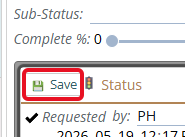
and the green banner showing that all tasks are now complete will show up instead since 'now that you hit save' all the tasks have been set to complete.
