Maintenance Connection Everywhere (MCe) · EAM/CMMS manuals
We let you read a barcode in a pick list, in a list, and from a camera to bring you to the asset/person/part. One barcode does all this.
If all you want to do is produce these nearly magical barcodes, go here: Barcode Printing, what content - Sample Asset report
For those that want to understand how it works, read on.
When you go to a barcode from a pick list or filter, it will look for the 'well known' pattern (see the document above for how to create it.), and pick out the part that matters.
---
config:
  theme: 'forest'
---
flowchart TD
    classDef Start fill:#FFA000,color:#FFF,stroke:#F00,stroke-width:2px;
    classDef External fill:#00921a,color:#FFF,stroke:#000,stroke-width:2px;
    classDef UserQ fill:#FFF176,color:#000,stroke:#FFEB3B,stroke-width:2px;
    classDef End fill:#7B1FA2,color:#E1BEE7,stroke:#00,stroke-width:2px;

    A[Barcode scanned by Camera]:::Start --> WhichDevice{Which device}
    WhichDevice -- iOS --> iOS[Check iOS way]
    WhichDevice -- iPadOS --> iOS[Check iOS way]
    WhichDevice -- Android --> Android[Check Android way]
    WhichDevice -- Windows --> GoToURL
    WhichDevice -- Mac --> GoToURL[Go to URL]
    WhichDevice -- Linux --> GoToURL
GoToURL --> AreYouLoggedIn{are you<br>logged in?}

AreYouLoggedIn -- Yes --> LoggedInDesktop[Go to the URL]:::End
AreYouLoggedIn -- No --> LoginScreen[Log in Screen]
LoginScreen --> LoginSuccessful{Login<br>Successful?}
LoginSuccessful -- Yes --> LoggedInDesktop
LoginSuccessful -- No --> LoginScreen

iOS --> AutoRedirectTrue{Auto Redirect<br>True?}
iPadOS --> AutoRedirectTrue
Android --> AutoRedirectTrue

AutoRedirectTrue -- Yes -->AbleToLaunchApp{Able to<br>launch app?}
AutoRedirectTrue -- Never --> BrowserURL[Browser URL]
BrowserURL --> AreYouLoggedIn
%% is browser logged in
%% is show better in app
%% is browser login page
AbleToLaunchApp -- Yes -->LoggedInApp{Logged in App?}
AbleToLaunchApp -- No --> InstallApp[Install App Screen, end, need to scan again after loading app]
%% database connected to?
%% permission for the entity?
LoggedInApp -- Yes --> PermissionForDatabase
LoggedInApp -- No -->LogIntoApp[Log Into App]
PermissionForDatabase{Do you have<br>permission for<br>database?}
PermissionForDatabase -- Yes --> PermissionForEntity{Permission<br>for Entity}
PermissionForEntity -- Yes --> GoToEntity[Go To Entity]:::End
PermissionForEntity -- No --> Unsure:::End
If your barcode is 'simple' it just reads the value as it is.
When you run from the camera or barcode reading app, it will send you to a url with a well known pattern (see the document above for how to create it.)
Then if you are on Windows, Linux or Mac, it
- tries to take you to the URL.
- If you aren't logged in, it lets you log in first
- If you have that database on your device, it attempts to take you to that item, and if you are permitted, it will then show it to you in it's edit page.
- If you don't have the database on your device, it attempts to get that database, and if you are permitted, it will get it then take you to the URL and if you are permitted it will then show it to you in it's edit page.
If you are on iOS, IPadOS or Android
- It checks whether you have previously chosen to always use the device app,
- if yes, it takes you there.
- If never, it takes you, as with Windows etc.., above, to the browser app.
- if neither, it gives you the choice to try the app.
- If through one of the means above it tries to go to the device app and you don't have the app installed it gives you a link you can use to get it.
If you are a 'first time' with with a device app, you may have to scan the QR code from your camera a second time. But this is a 'first time only' experience. Once you have the app installed and are able to log in to the database, and you set 'remember' to true, it will take you all the way in, stopping to let you log in if needed, and then take you automatically to the asset/person/part etc..,
If you are logged in to the web app you can 'Transfer to (the device) App' if you are on iOS, iPadOS or Android.
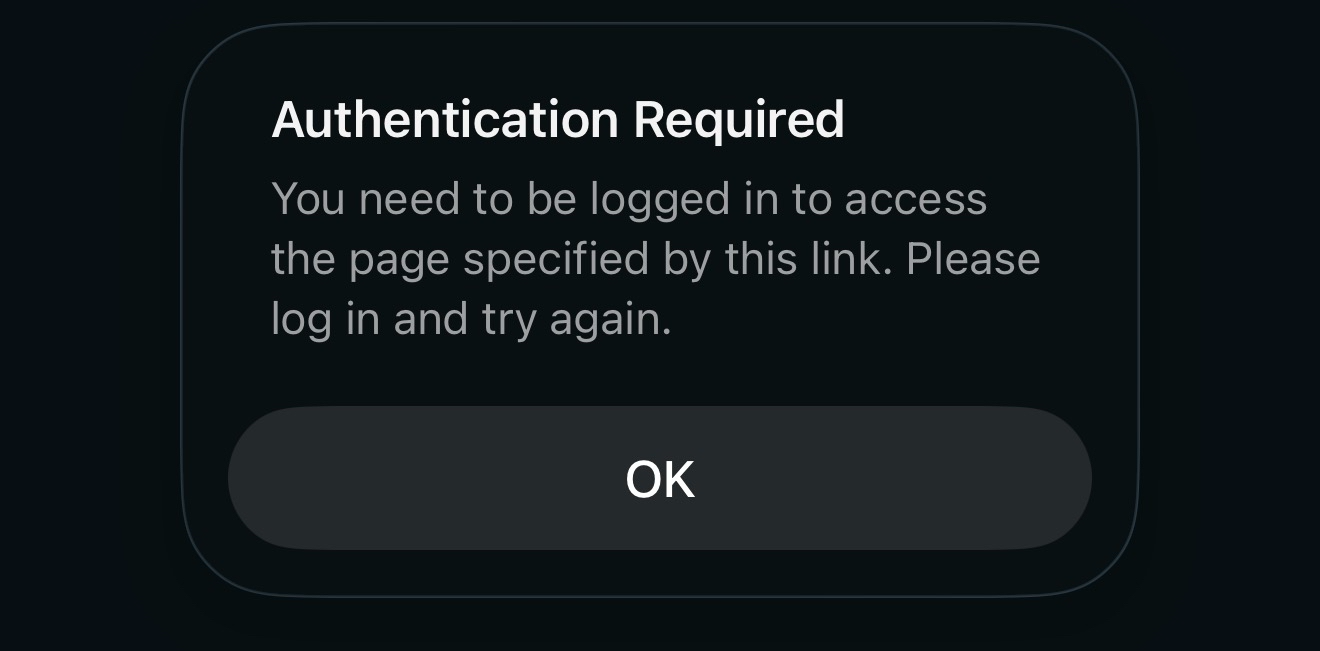
"You need to be logged in to access the page specified by this link. Please log in and try again."
"The server version is too old to support the necessary API for checking access. Log in manually to the required database '{0}' before using this link."
// Should only happen when network issues between client/server (AND) hasn't use that database before
"Unable to confirm your database access, please login and try again."
"You do not have access to the required database. Please contact your administrator."
![Shows options, in particular 'Transfer to [Android] app"](/IQDocImages/47760da5-daae-4b0e-90f8-b24560995cc3/61a8e883-ff21-41d5-ad67-a6da119f570d.png)
The iOS is very similar
![Shows options, in particular 'Transfer to [iOS] app"](/IQDocImages/47760da5-daae-4b0e-90f8-b24560995cc3/e3ee7931-6efb-4abb-91d8-e504d9fce9ff.png)
If you are logged out
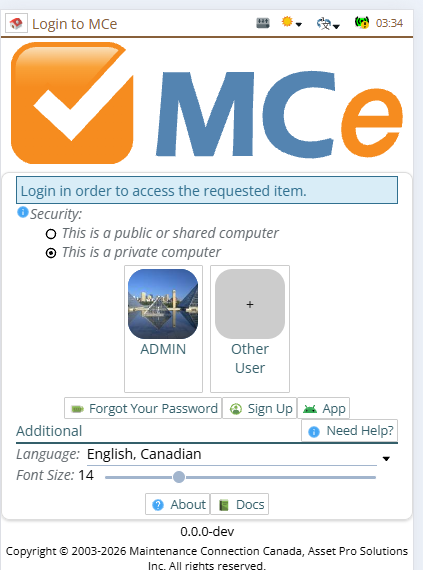
The 'remember' is available the second time. Since it is harder to 'not remember' we want you to first check and decide whether you want this before we let you 'remember' your choice which will bypass everything it can.
if it succeeded the 1st time, then choose 'remember' the 2nd time to make the 3rd+ easier
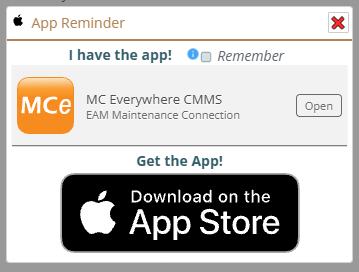
The Android is very similar
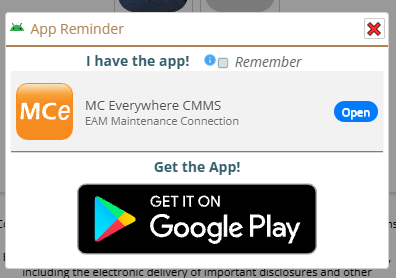
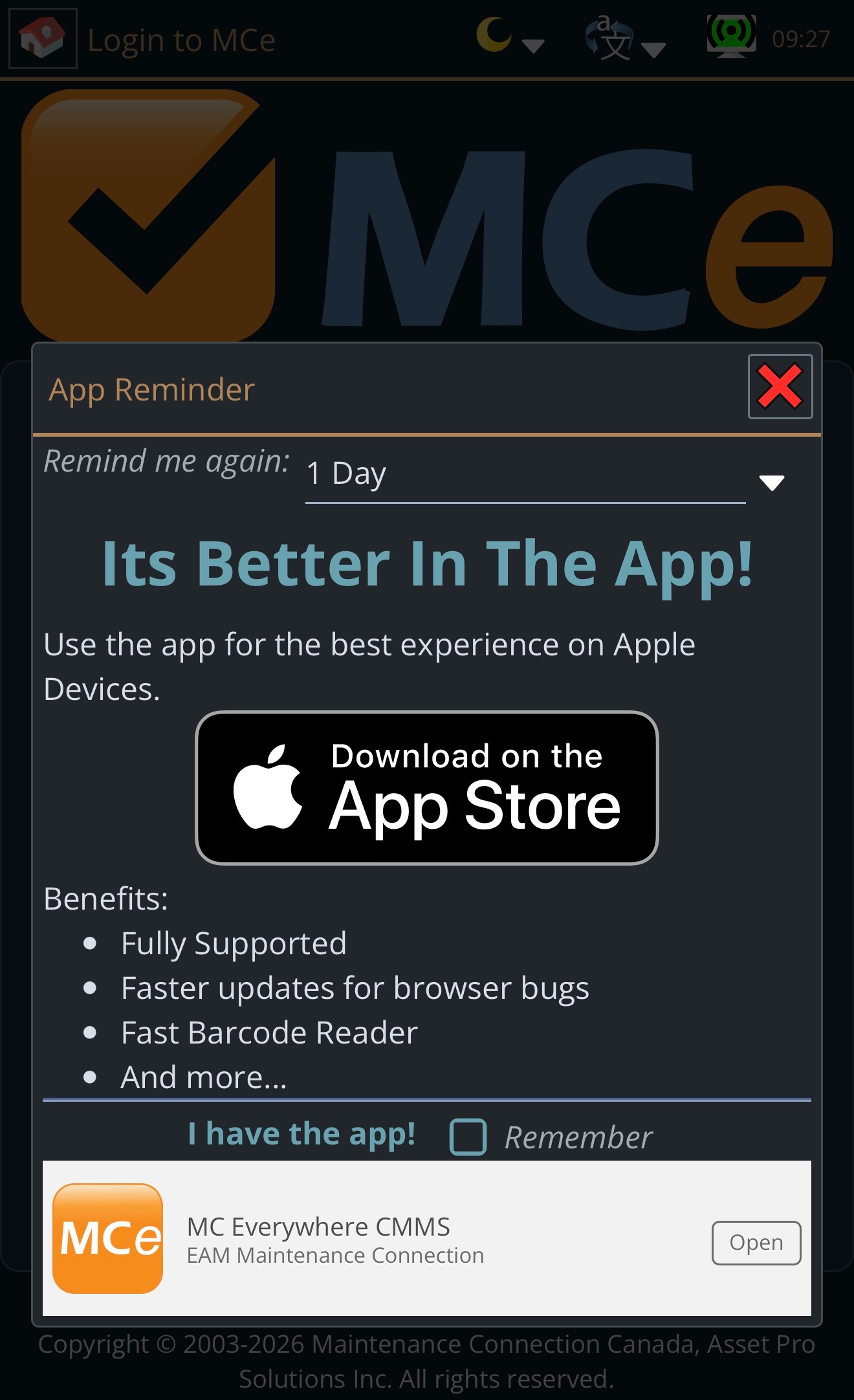
If you choose to stay in the browser, you will be reminded periodically, you can set it to the level of annoyance that you want. For example, if company policy means you can't download the app right now, you might want to be reminded daily until your IT pushes it to you or gives you ability to get it.
Message when you need to be authenticated, logged in, before going to the link