

 Maintenance Connection Everywhere (MCe) · EAM/CMMS manuals
This page is designed for when you know you need to get into the IT Management advanced tools. If you are on a SaaS you will not be granted access to these tools as they can affect all customers on the SaaS. If you are in an on-prem system you will periodically need to be here to do all the management that we do for our SaaS customers.
The 1st step is to double click on one of the large corporate logos. The are found on the login page and in the menu (even if you don't have a user account to get into MCe, because this is IT level changes that need to be done even before the 1st user CAN log in.)
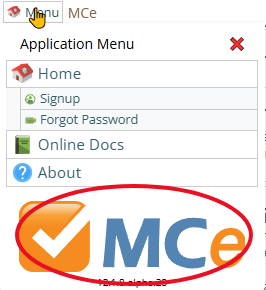
Then click on this button to get into the advanced IT Management tools
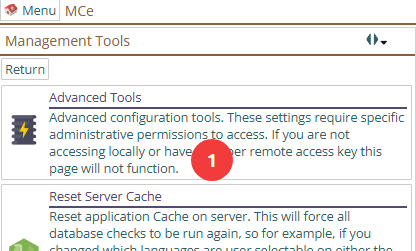
If you get:
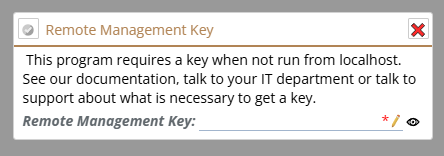
It means you weren't accessing it from the server, you are trying to access the tools from a remote location. If you have set it up to allow remote access (a very infrequent setup) then type in the key for 'this minute'. Or go and run these tools as intended, from the server.
When you are in, you will see the tabs for the tools, pick the one that you were trying to get into.
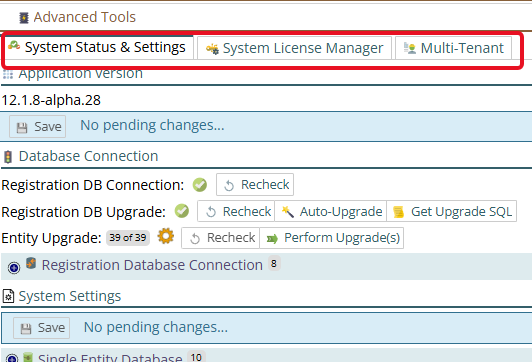
General system settings are in the first tab.
Installing, Deleting, managing and activating is done in the System License Manager
Multi-Tenant setup (most commonly on SaaSs) is done through that tab.